Skip to content

Products

Nine apps. Free in your browser.

Photo and video editors, a music sketchpad, business tools and an ERP. Each opens on this site, with nothing to install and no account to make. Businesses can have any of them installed and customized on a written quote.

Create · 3 apps

Make something.

Edit photos, cut video and sketch music. Each one opens in your browser on this site.

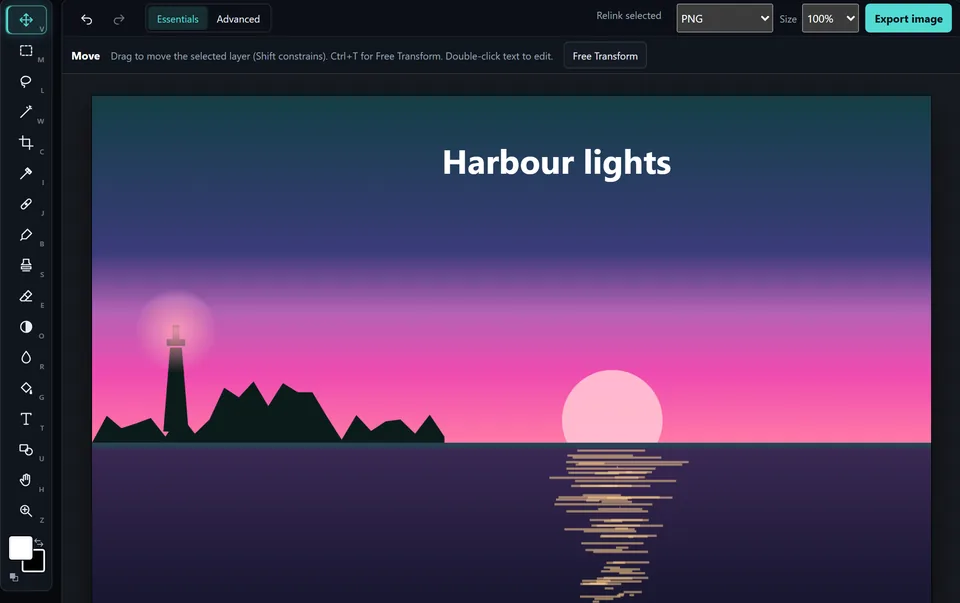
AlcorPhoto editor with a harbour sunset picture and a Harbour lights text layer on the canvas, the tool strip on the left and Export image at the top right
Free photo editor

AlcorPhoto

Edit and export images in your browser for free.

  • Layers, masks and adjustment layers
  • Brushes, selections, filters and healing
  • Open PSD files; export PNG, JPEG, WebP or SVG
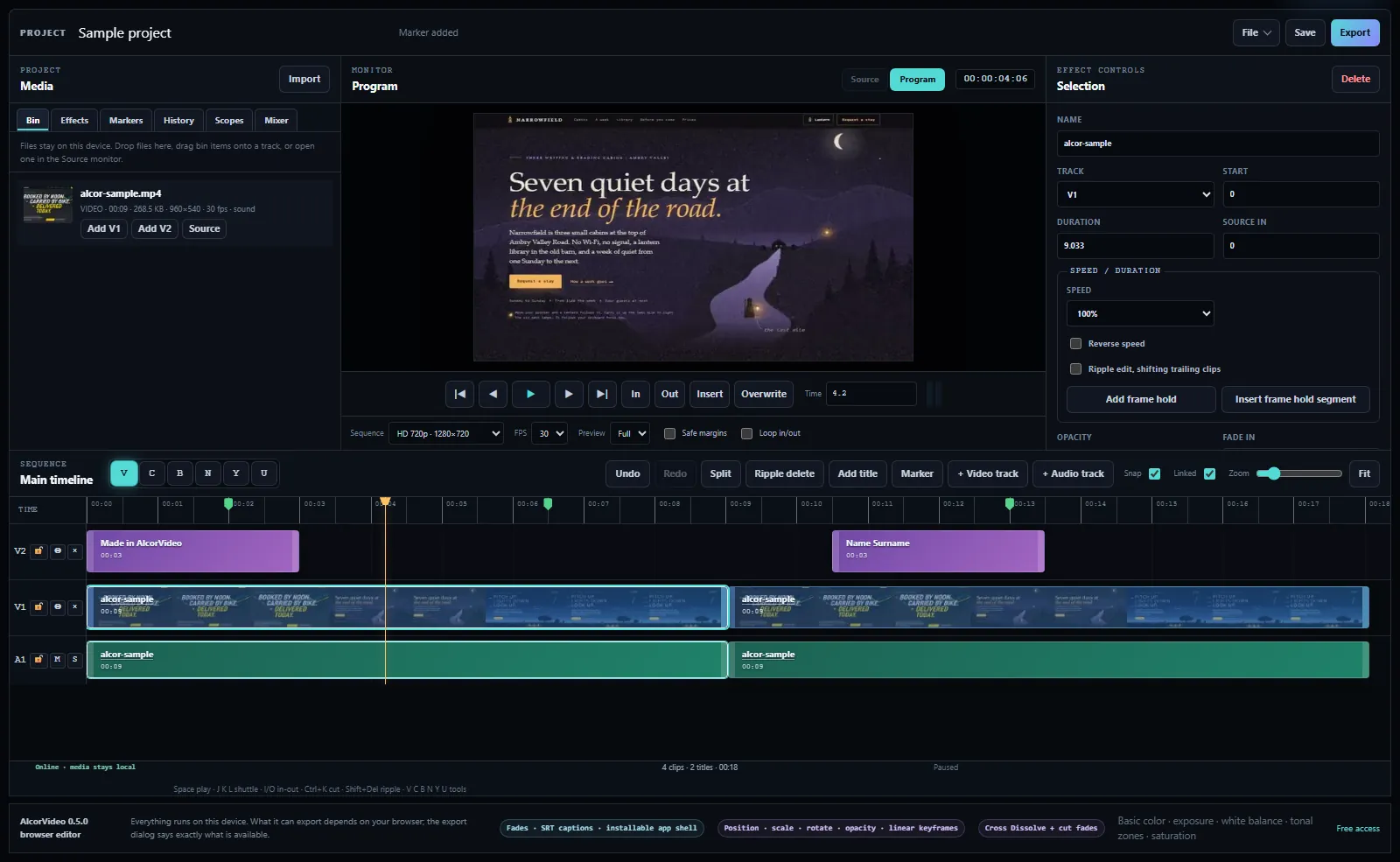
The AlcorVideo editor with its sample project open: media bin, Program monitor, Effect Controls, and a timeline with titles on V2, video on V1 and linked audio on A1
Free video editor

AlcorVideo

Edit video in your browser for free. Export options depend on your browser.

  • Up to 12 video and 12 audio tracks
  • Keyframes, curves and LUT color grading
  • Titles and transitions; export MP4 or WebM
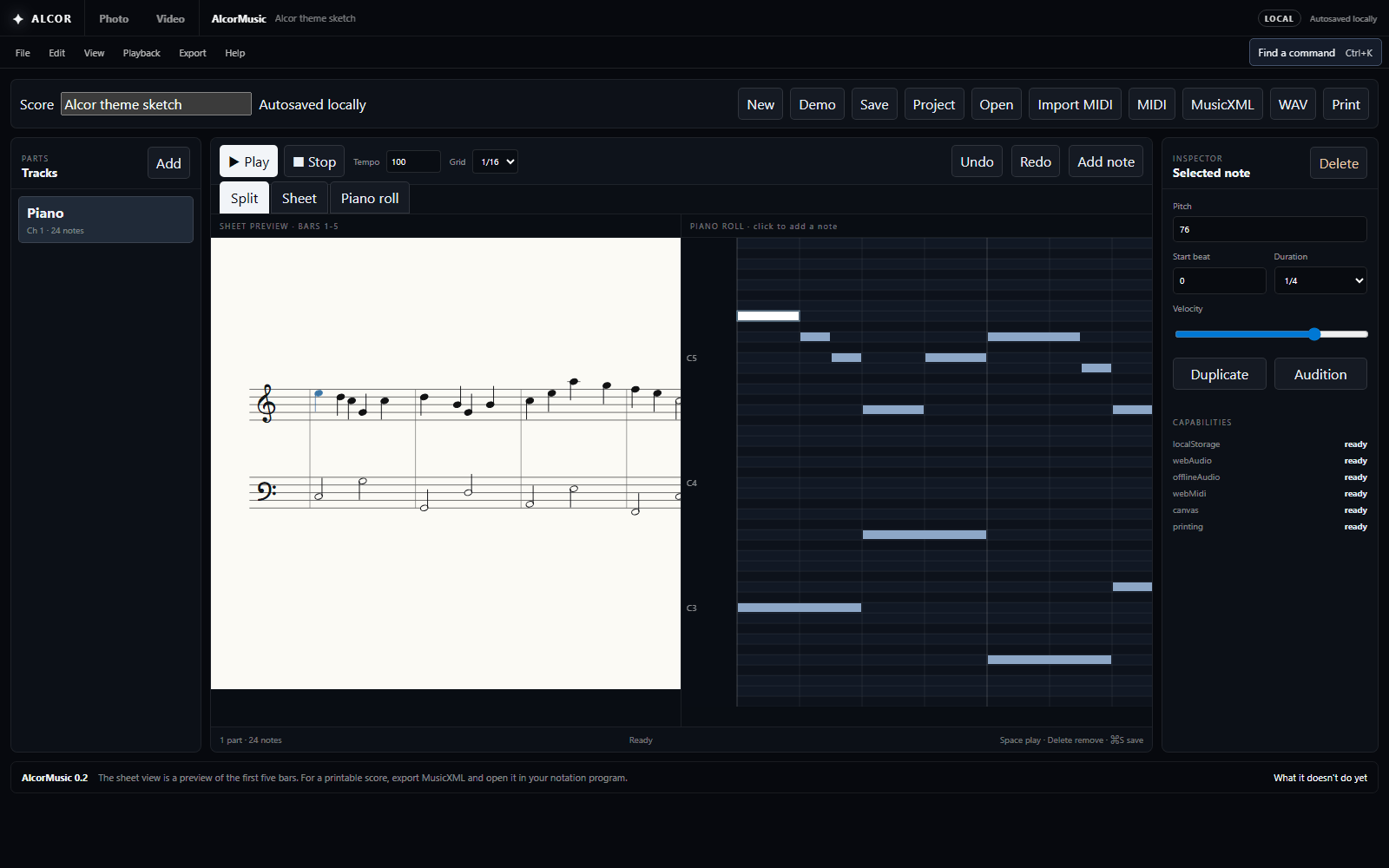
AlcorMusic with a score preview beside the piano roll
Free music sketchpad

AlcorMusic

Write notes on a piano roll, check them on the score and play them back. Export MIDI, MusicXML or WAV.

Business · 3 apps

Work with your numbers.

A sample operations app, money calculators and a side-by-side CSV comparison.

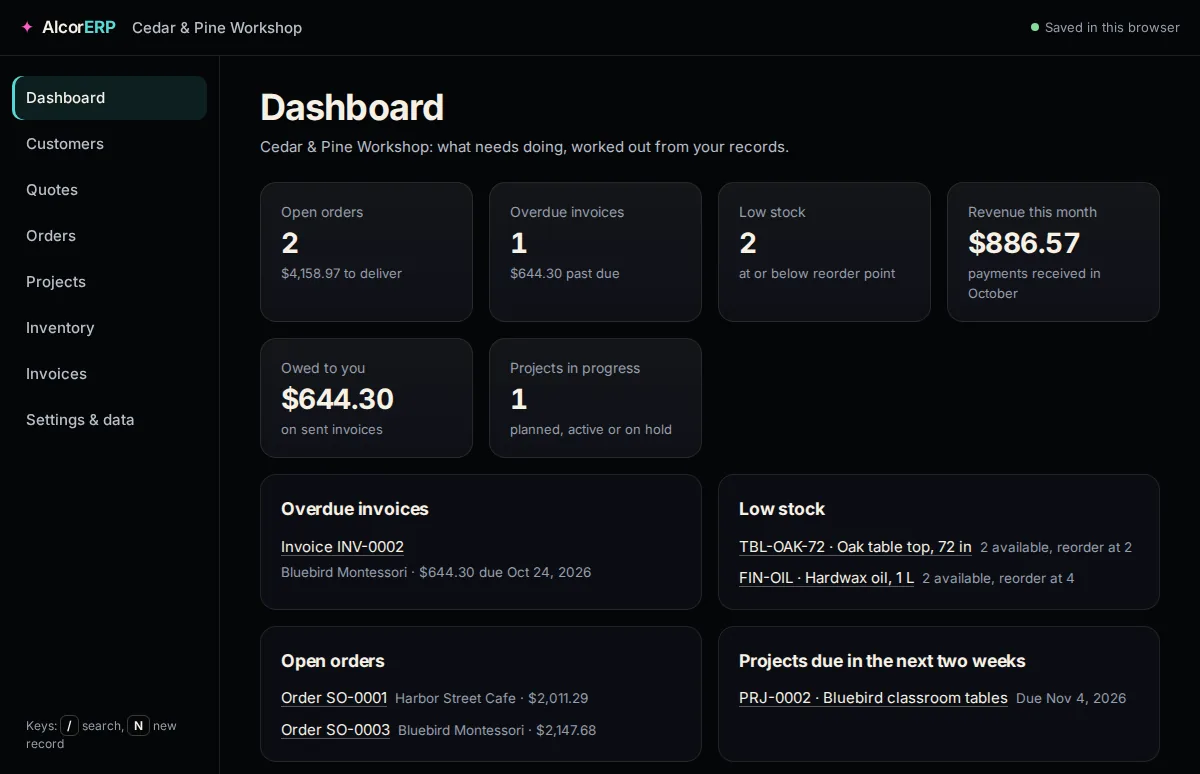
The AlcorERP dashboard with a sample company's open orders, overdue invoices, low stock and revenue
Free browser app

AlcorERP

Customers, quotes, orders, projects, stock and invoices as one connected record. Your data stays on your device.

Run it free in your browser. Your records stay on this device, with backup and CSV export.

Everyday tools · 3 apps

Small jobs, sorted.

Branded QR codes, labeled map markers and a two-way conversation translator.

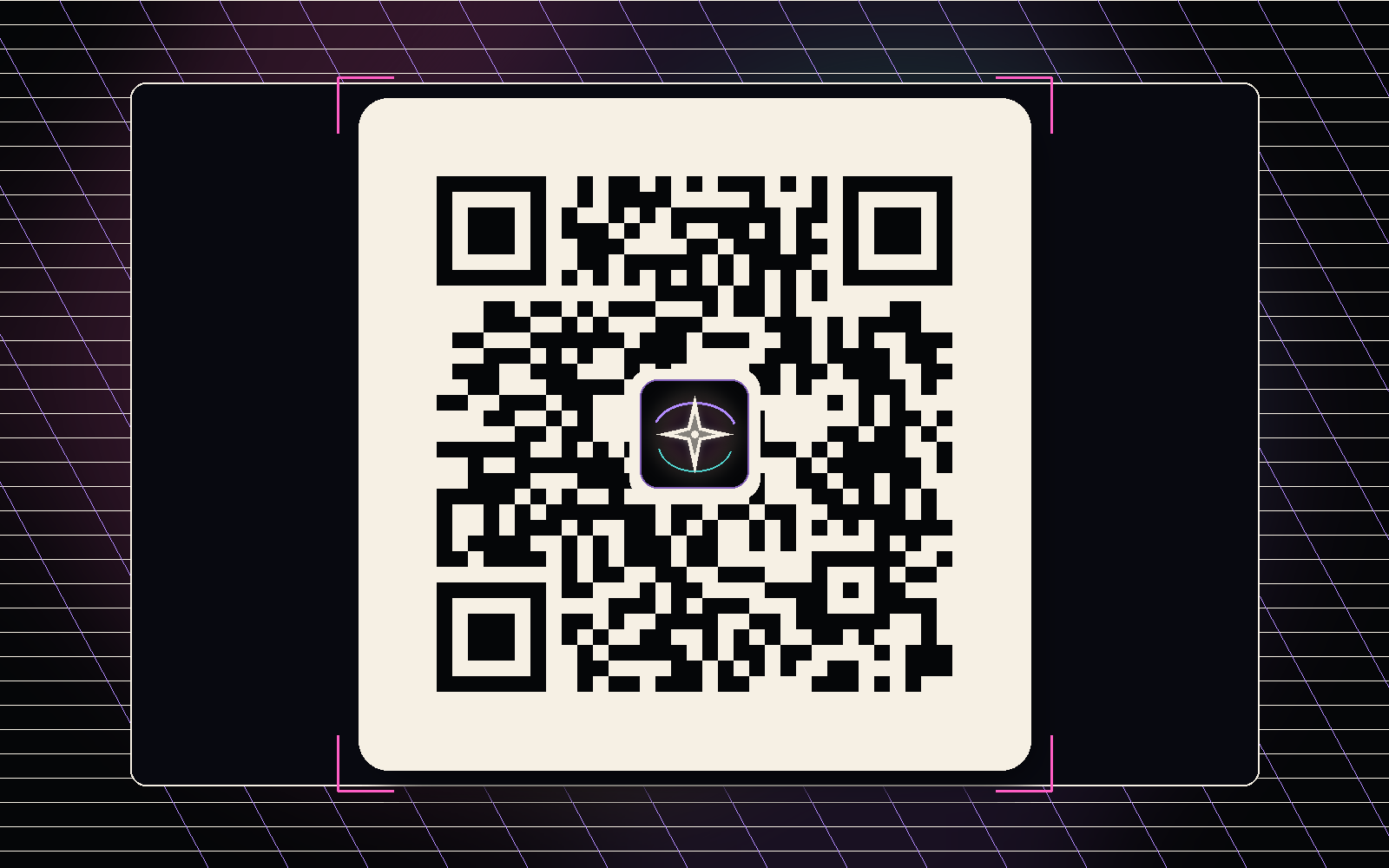
A QR code with the Alcor star logo in the middle
QR code designer

AlcorQR

Put your logo in the middle, pick the colors and dot shapes, and export PNG or SVG.

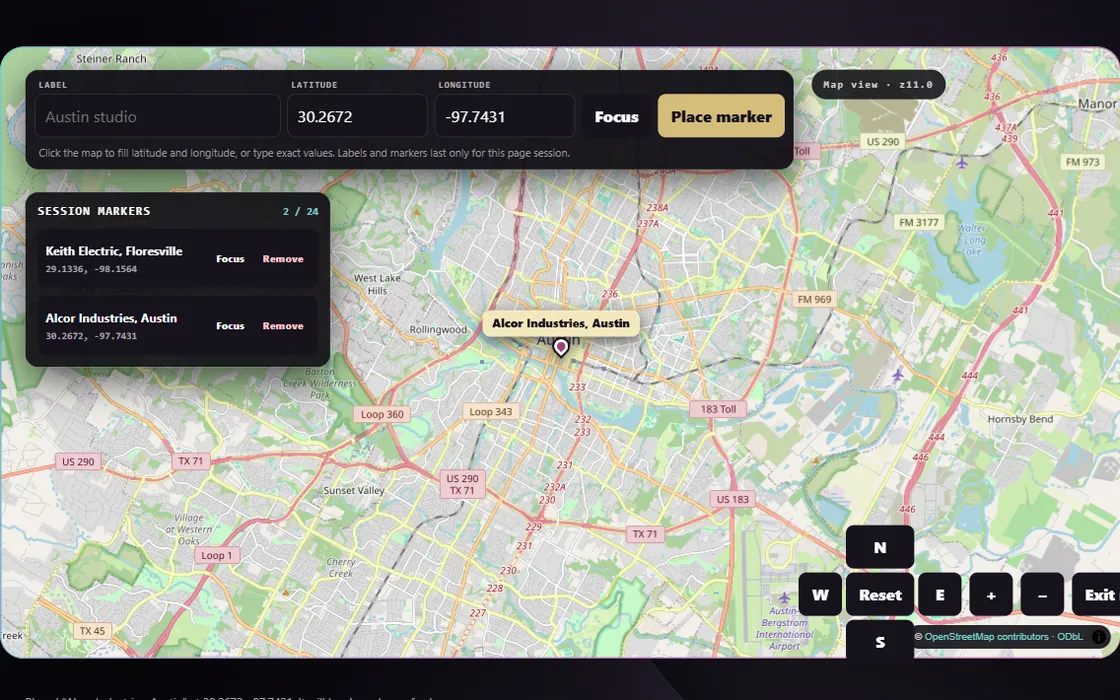
AlcorMap over Austin with two labeled markers, the label and coordinate form at the top and the pan and zoom controls at the bottom right
Map markers

AlcorMap

Place a label anywhere: click a spot or type exact latitude and longitude.

Explore the map and add temporary markers. Map tiles load when the map opens.

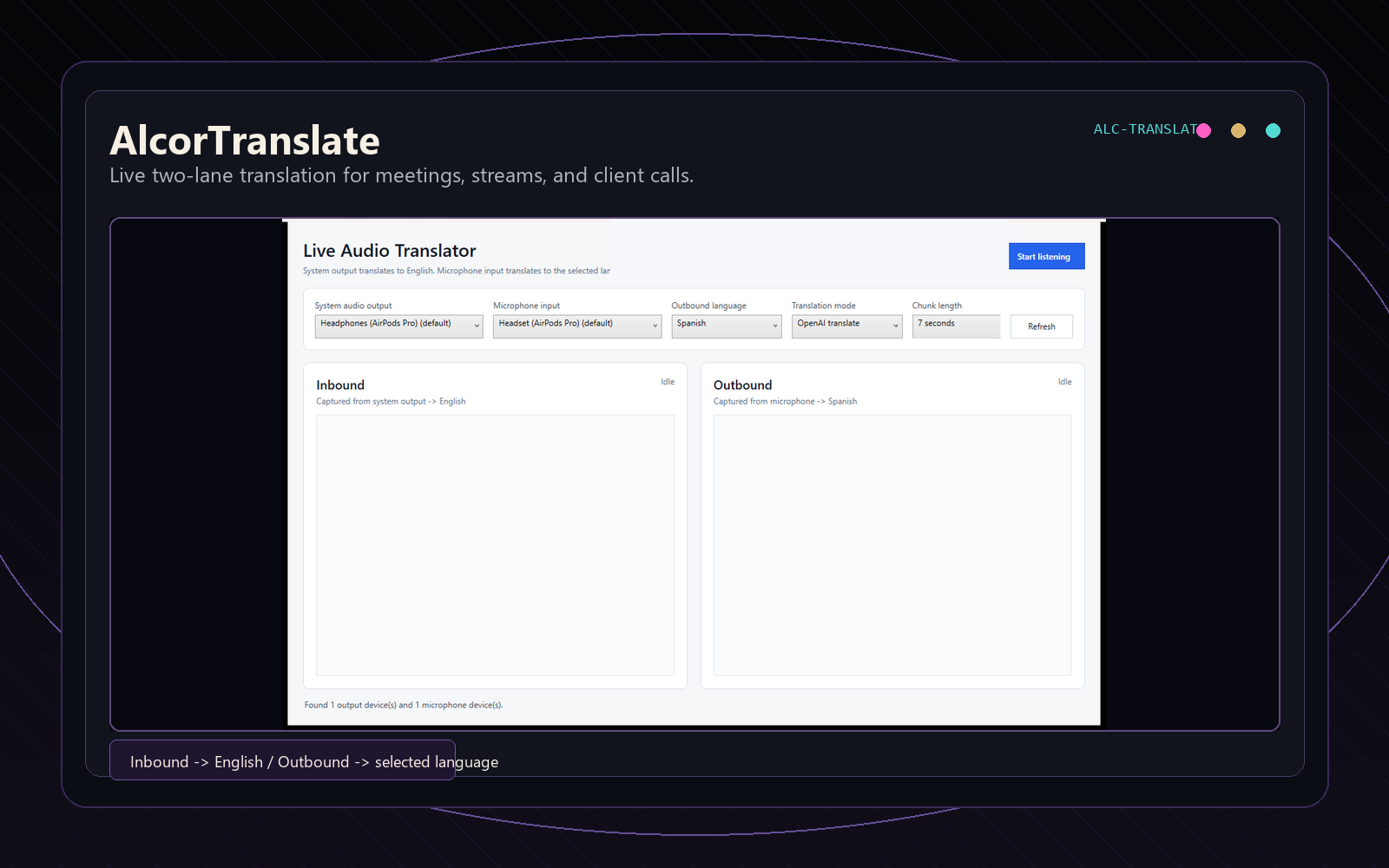
AlcorTranslate with the two sides of a conversation in separate panels
Conversation translator

AlcorTranslate

Two people type or talk, and each reads the other side in their own language.

Works in current Chrome, Edge, Firefox and Safari.

Privacy

Your files stay on your device.

The available web apps are free to use, including for business. Installation, customization, integrations, hosting and support are separate services quoted on request. No account is needed to use the public web apps.

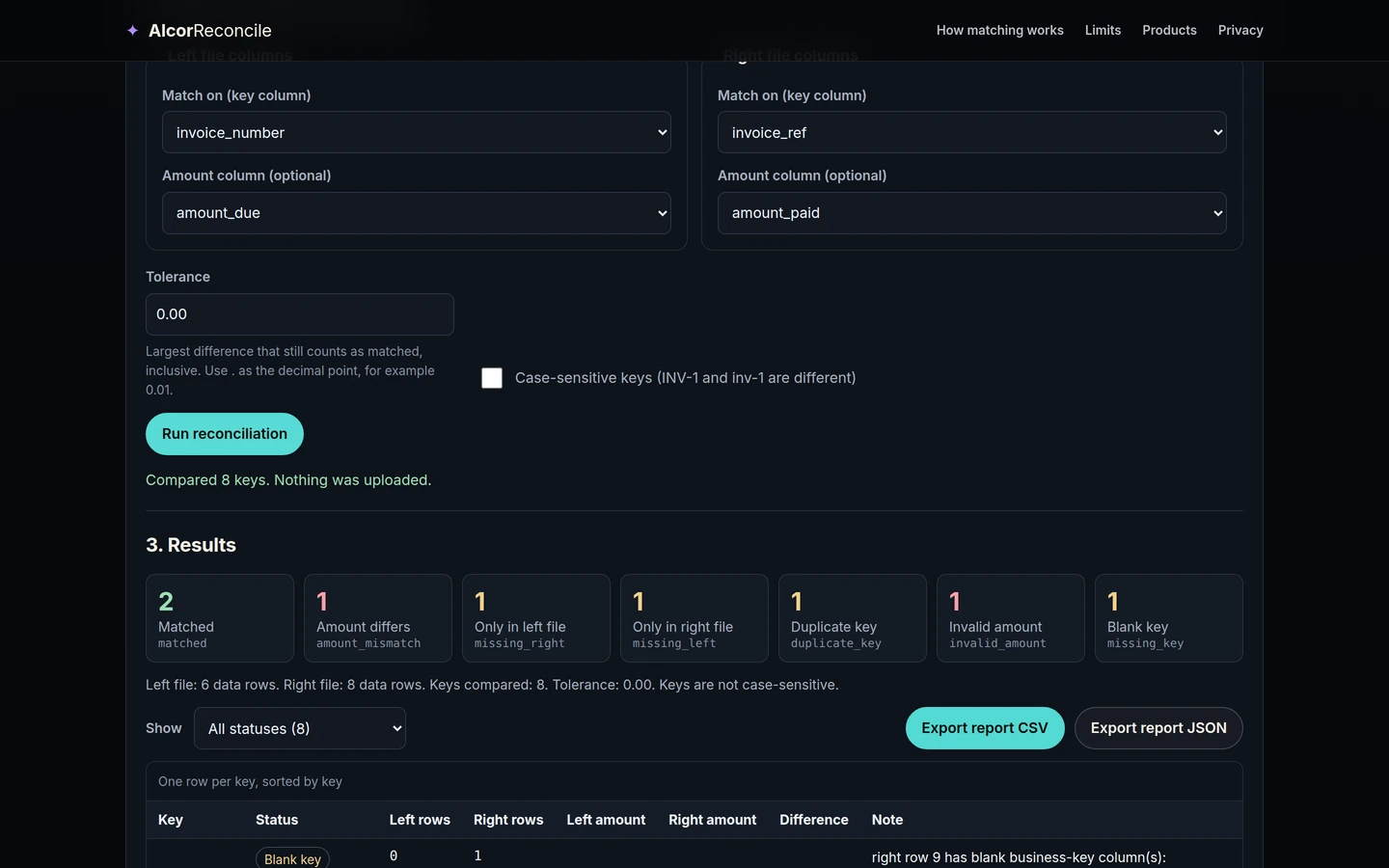
  • Your files aren’t uploaded. AlcorPhoto, AlcorVideo and AlcorReconcile work on your images, footage and CSV files right in the browser. They stay on your device.
  • Your words aren’t sent to us. The link or text you put in a QR code isn’t sent anywhere, and AlcorTranslate translates on your computer.
  • Kept local. AlcorERP keeps its records in your browser. Map markers stay on your screen, and map tiles come from a provider with its own terms.

Get a quote

Need an app built for your business?

Choose a product and tell us about the installation, integration or customization you need. AlcorERP shows the kind of operations app we build. You get a written quote before any work starts.

We reply by email. No sales call required. Privacy notice.

You can also email alcor@alcor-industries.com.