Choose two CSV files
The left file, such as your invoices, and the right file, such as your payments. Load sample data shows the tool working on a synthetic example first.
 Alcor IndustriesGet a quote
Free browser tool
Compare invoices with payments, orders with shipments, or any two exports that share a key. AlcorReconcile matches rows by the key column you choose, compares amounts with exact decimal arithmetic, and lists every key as matched, different, missing from one file, duplicated, or unreadable. The files are read on your device; they are not uploaded.
Open AlcorReconcileHow it works
How it works
The left file, such as your invoices, and the right file, such as your payments. Load sample data shows the tool working on a synthetic example first.
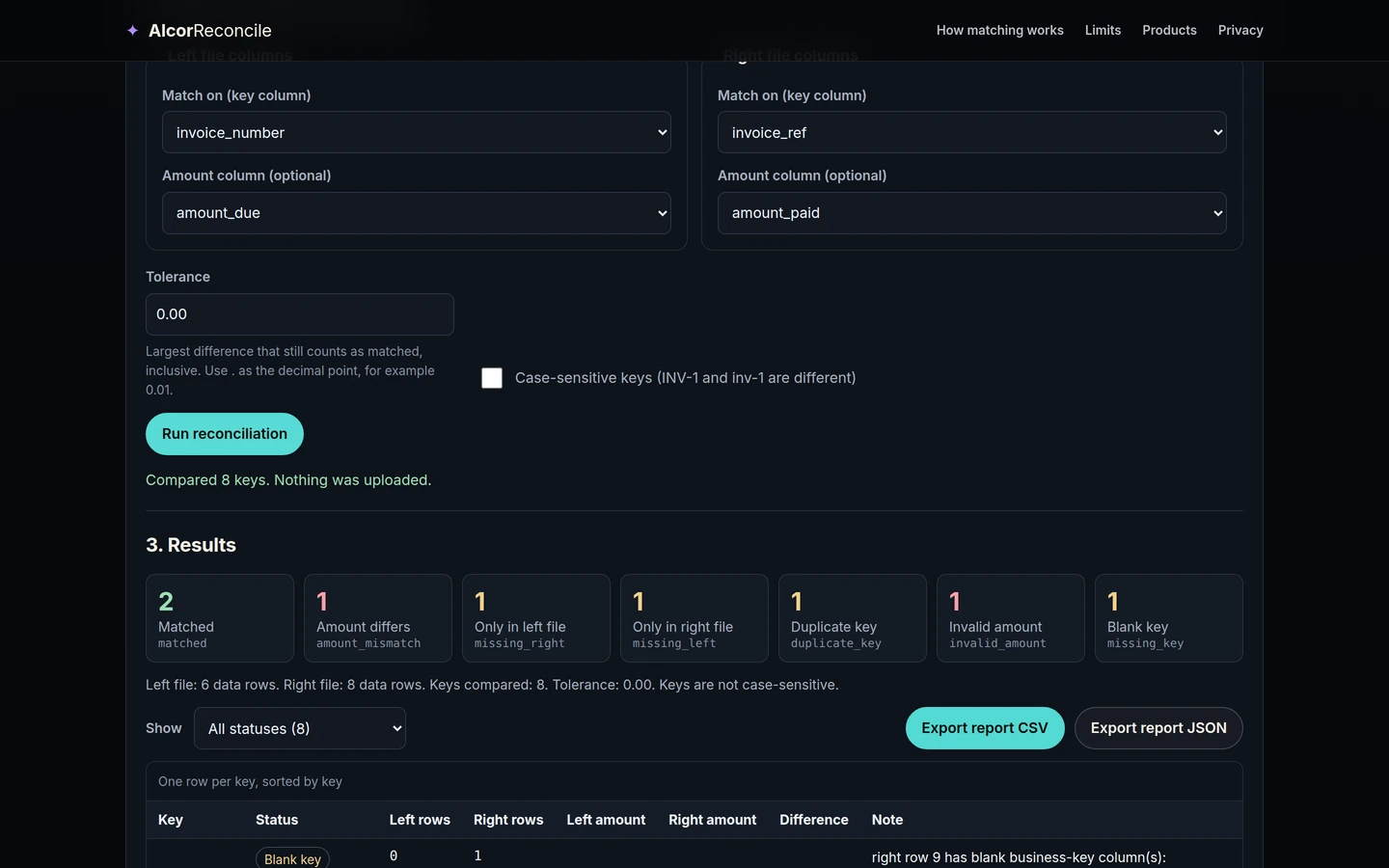
Match on a key column in each file, usually the invoice number, and optionally an amount column. Set a tolerance, and whether keys are case-sensitive.
One row per key with its status, row counts and amounts. Filter it on the page, then export every row as CSV or JSON.
The full matching rules (keys, duplicates, amounts, tolerance, file formats) are listed under the tool, in How matching works.
Privacy
The tool page blocks every network connection, so your files stay in that browser tab and are gone when you close it.
For businesses
We build websites and custom tools for businesses. You talk to the person who builds it, and you get a written quote before any work starts.