Tracks and tools
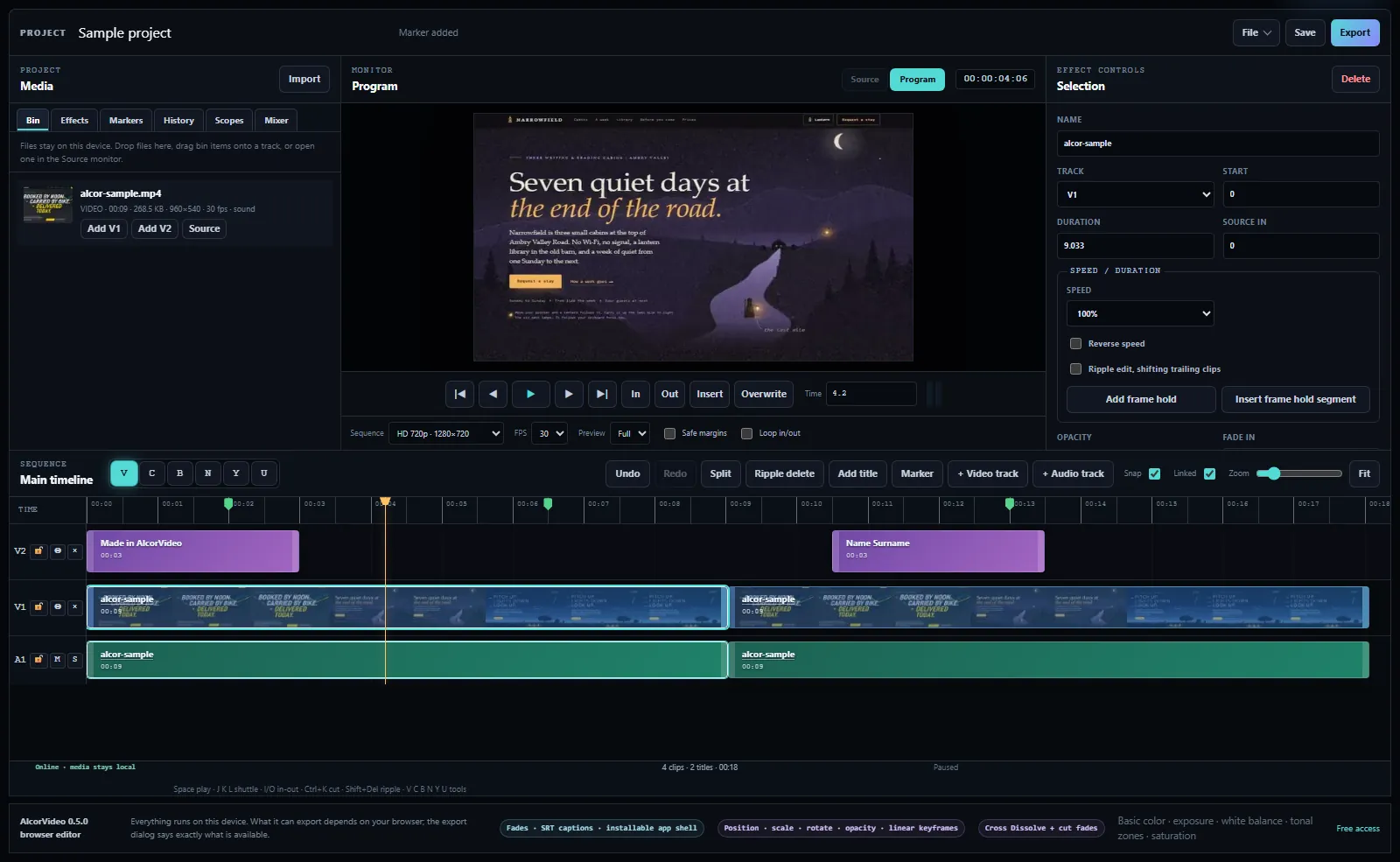
Up to 12 video and 12 audio tracks with lock, mute and solo. Razor, ripple, rolling, slip and slide edits, linked audio, snapping, markers, and in and out points.
Cut on up to 12 video and 12 audio tracks with razor, ripple, roll, slip and slide tools, grade color with curves and LUTs, mix audio, add titles, and export MP4. Your footage stays on your device.
Bring in video, audio and still images from your computer. They aren't sent to Alcor.
Drop clips on the timeline or insert them from the Source monitor. Cut, ripple, roll, slip and slide with the same keys as a desktop editor.
Adjust timing, speed, opacity, volume and titles from the inspector, with keyboard shortcuts and undo.
Export a finished video, or save a project file to keep working later. Save downloads a portable project with your edits and linked media. Project JSON downloads just the edits for manual relinking.
Up to 12 video and 12 audio tracks with lock, mute and solo. Razor, ripple, rolling, slip and slide edits, linked audio, snapping, markers, and in and out points.
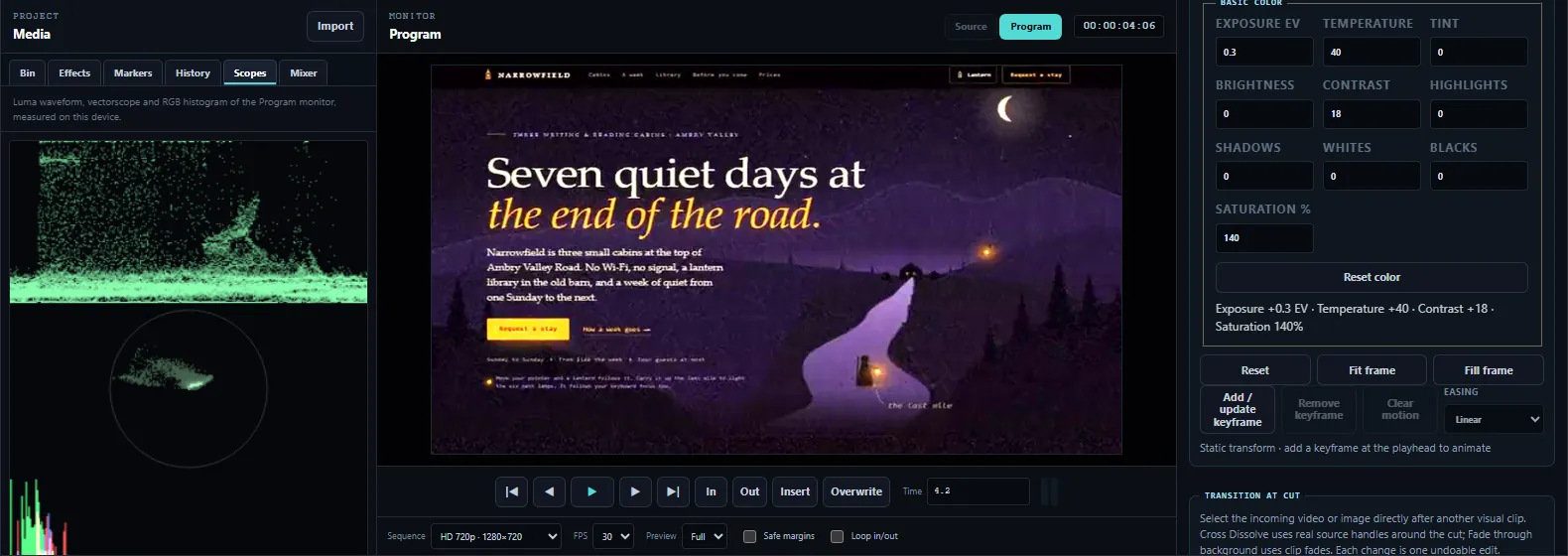
Exposure, white balance, tonal zones and saturation, RGB curves and .cube LUTs, rendered on the GPU, with a luma waveform, vectorscope and histogram.
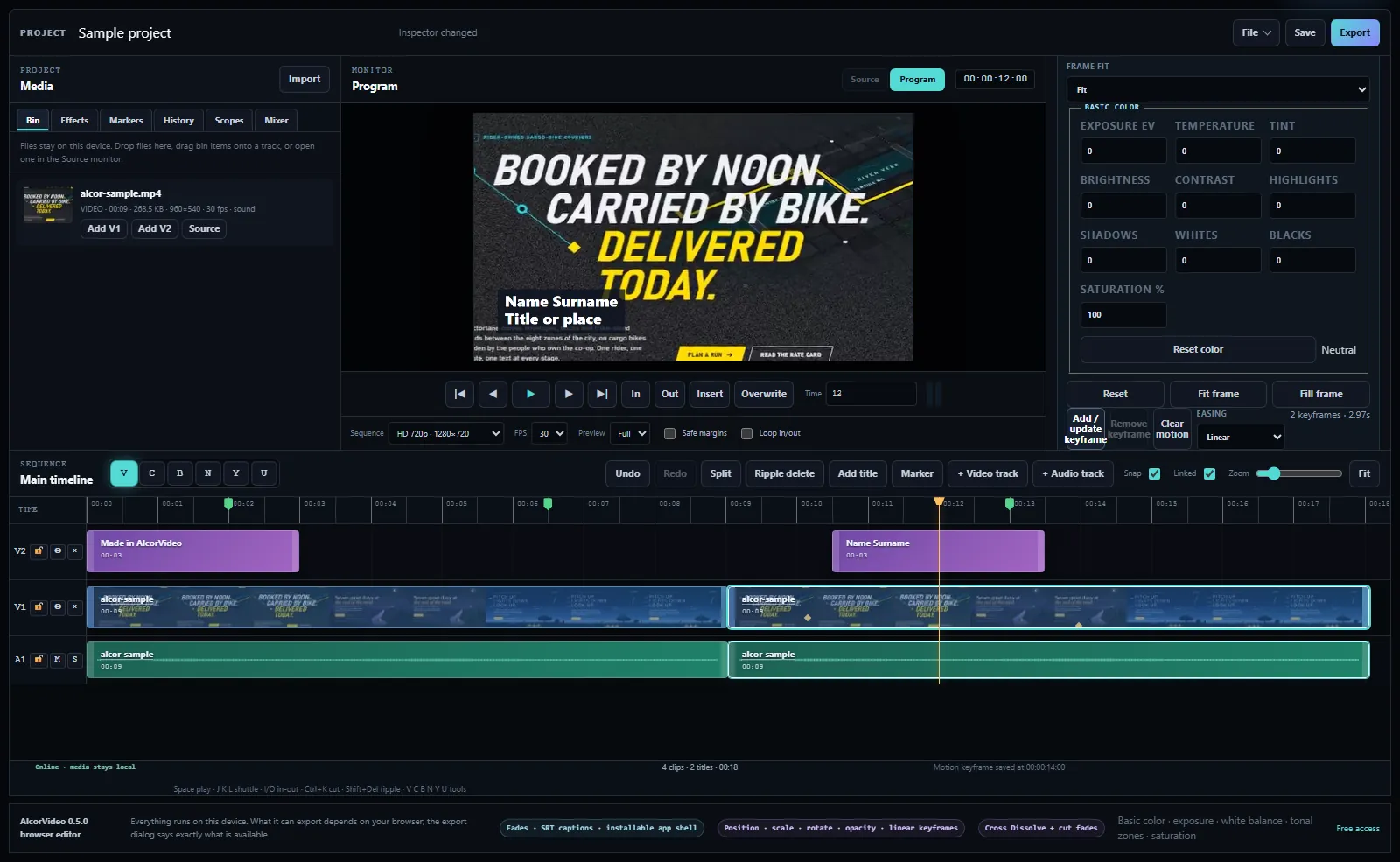
Position, scale, rotation and opacity keyframes with linear, eased or hold interpolation, and volume keyframes for audio.
Cross dissolve, dip to black or white, four wipes, and constant-power or constant-gain audio crossfades at a cut.
Per-track level and pan, clip gain and fades, waveforms on the timeline, and live level meters.
Title, lower third, subtitle and end card presets with font, color, outline and background. Import and export SRT captions.
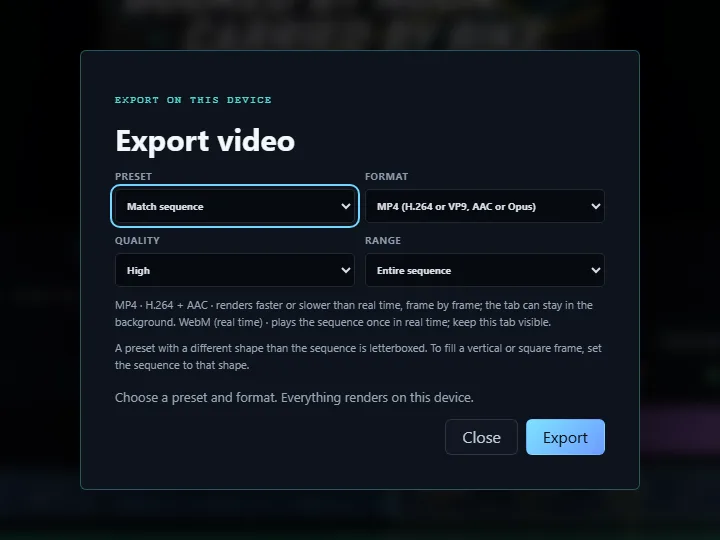
Presets for 1080p, 4K, vertical and square. MP4 renders frame by frame where your browser supports it; otherwise WebM records in real time. The editor tells you which before it starts.
Undo history with a list of every edit. Save downloads a portable .alcorvideo file with your edits and linked media; an optional recovery copy stays only in this browser. Save before closing the editor.
The editor page blocks all outgoing data connections. Import, preview and export happen in your browser, and there is no account.
AlcorVideo is free to use in your browser, including supported commercial output. Your footage stays on your device. No account is required.
Free · no account · your footage stays on your device. There's a sample project inside if you want to try it first.
Open the editorNo. It follows Premiere's core editing workflow: multi-track timeline, the main editing tools and shortcuts, basic color with curves and LUTs, audio mixing, titles and export. It does not have multicam, nested sequences, an effects library, plugins or team features.
No. Your footage stays on your device, and AlcorVideo doesn't upload it. A portable project includes your footage, edits and file names. Project JSON contains metadata only. Both download locally; neither is uploaded.
MP4 with H.264 video and AAC audio where your browser supports WebCodecs, as current Chrome and Edge do. Otherwise the editor records WebM in real time. It checks what your browser supports before it starts.
Yes. The editor is free, including commercial use of what you make. You still need the rights to any footage, music or images you put in it.