AlcorTranslate for Chrome on desktop
Translate a conversation between two people.
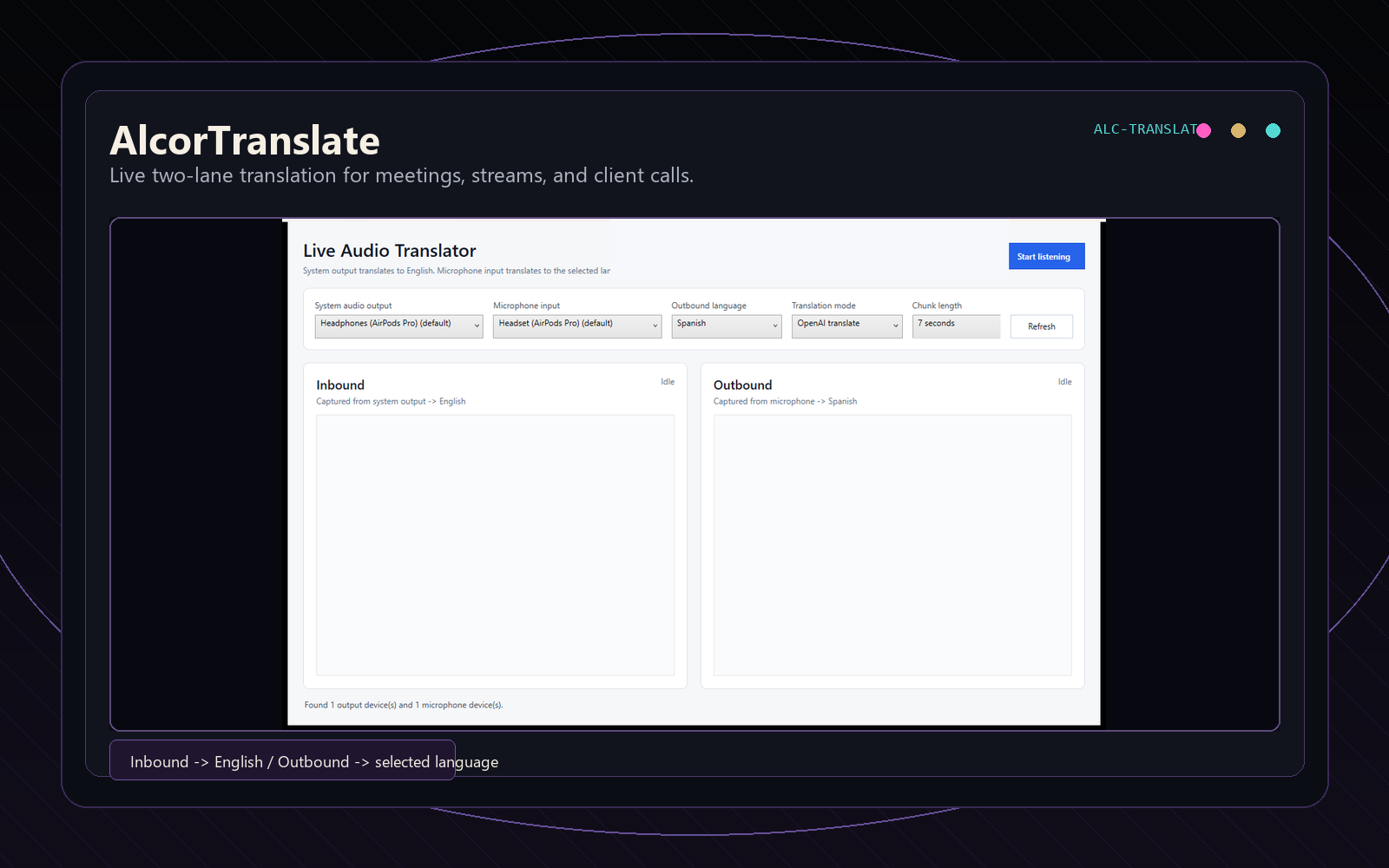
Each person picks their language and types in their half of the screen. The other half shows what they said in the other person's language. If your browser supports it, you can talk instead of typing.
It uses the translator built into Chrome, which runs on your device. There's no account, and nothing you type is sent to us.
For the conversation in front of you
Use it at a front desk or a counter, on a service call, at a rental showing, or with a neighbor. Put a laptop between you and take turns. Short sentences translate better than long ones.
It's machine translation, so it gets things wrong sometimes. For anything medical, legal, or about money, have someone who speaks both languages check it. It doesn't join calls or caption video; it's one screen shared by two people.
How it works
- Open it in Chrome on a desktop or laptop. Nothing to install.
- Each person picks a language. The first time you use a pair, Chrome downloads a language pack for it, and the page shows how far along it is.
- Type and press Enter, or press Speak and talk. The other side shows the translation. Tick Read aloud to hear it.
- Keep a copy if you need one. Copy the transcript or download it as a text file, with both languages for every message.
Which browsers work
Works
Chrome 138 or newer on a desktop or laptop computer. That's the version where Chrome started letting web pages use its built-in translator. The first use of each language pair needs an internet connection so the browser can download it.
Doesn't work yet
Firefox, Safari, and browsers on phones and tablets. AlcorTranslate checks when it opens and tells you plainly if the browser you're in can't translate.
What happens to what you type
Typing
Translation runs on your device, using the model built into Chrome. The page doesn't send your text to Alcor Industries or anyone else, and it doesn't save the conversation. Clear it or close the tab and it's gone. The only thing it remembers is the two languages you picked, in this browser.
Speaking and listening
When you press Speak, your browser turns speech into text, and it may send the audio to its maker to do that: Google for Chrome, Microsoft for Edge. If the browser can do it on your device for your language, AlcorTranslate asks it to. Read aloud uses your device's voices; some voices are online and send the text out to be spoken, so AlcorTranslate picks an on-device voice when there is one. If you'd rather avoid both, just type.
Try it with someone
Open it, set two languages, and hand over the keyboard. If you want something like this built into your own site or app, email alcor@alcor-industries.com.
Open AlcorTranslateNeed a tool like this for your business?
We build websites and custom tools for small businesses. You talk to the person who builds it, and you get a written price before any work starts.